Imagine your phone does not turn on tomorrow.
Now remove the easy answers. The repair shop cannot recover it. You no longer remember the cloud password. The old laptop stopped working months ago.
How many photographs still exist somewhere else?
The answer reveals whether you have a backup or only hope.
When the phone disappears
A stolen, broken or lost phone should not hold the only copy of important memories.
Automatic cloud upload helps because new photos leave the device without manual work. But cloud storage should be one layer, not the entire plan.
Confirm that uploads are actually completing. Open the service from another device and check recent dates rather than trusting the icon on your phone.
When synchronization copies the mistake
Sync and backup are not always the same.
When devices mirror one account, deleting a photo on one device may remove it everywhere. Account problems, accidental edits or ransomware can also affect synchronized files.
That is why a separate copy matters.
When the external drive fails too
An external drive protects you from phone loss, but it can fail, be stolen or be damaged in the same fire or flood as the computer.
One drive beside one laptop is still one location.
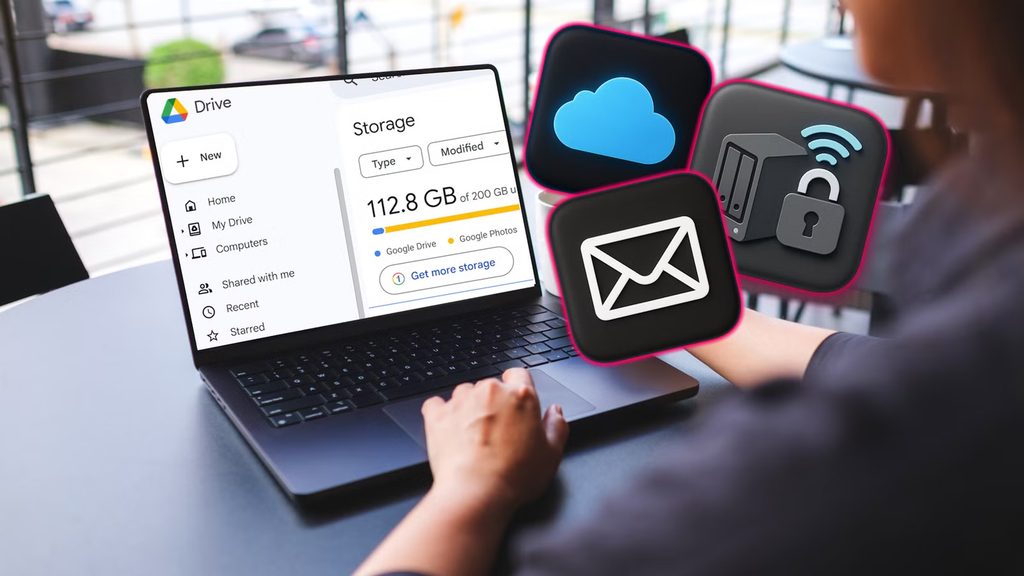
Build the 3-2-1 setup
The basic model is:
- 3 copies of important files
- Stored on 2 different media types or systems
- With 1 copy offsite
A practical personal setup could be:
- Original photos on the phone or computer
- Dated archive on an external drive
- Encrypted or well-secured cloud copy
Another option is a second drive stored securely in a different location.
Make the folders understandable
Use a structure you can still understand years later:
Photos/
  2026/
    2026-03 China Trip/
    2026-07 Family/
    2026-10 Silver/
Avoid leaving thousands of files in one downloads folder. Organization is part of recoverability.
Decide what deserves priority
Not every screenshot needs three permanent copies. Begin with files that cannot be recreated:
- Family photographs and videos
- Scans of important documents
- Original creative work
- Business records
- Contact exports
- Password-manager recovery information
Separate temporary downloads, duplicate memes and application caches from the archive. A smaller organized collection is easier to verify and restore than an uncontrolled copy of everything on the device.
For very large libraries, make one complete archive first. Improve names and folders gradually rather than postponing the backup until the collection is perfectly organized.
Protect the accounts too
Use a strong unique password and multifactor authentication for the cloud account. Save recovery codes securely and keep account-recovery information current.
If backups contain identity documents or other sensitive files, consider encryption and restrict who can access them.
Run the recovery test
A backup is not proven until a file can be restored.
Once every few months:
- Choose several random old photos.
- Retrieve them from each backup location.
- Open the full-size files.
- Confirm dates and image quality.
- Check that recent photos are included.
Do not wait for a disaster to discover that the drive was empty or the cloud had stopped syncing.
Set an annual reminder to replace aging storage when appropriate and review whether the cloud account, recovery email and payment method are still current. A backup system is a process, not a purchase made once.
If another person would need to recover the archive after an emergency, leave clear instructions without exposing passwords in an unsecured note. State which service and drive contain the files, where recovery information is stored and which folders matter most. A backup nobody else can identify may protect data technically while still leaving it inaccessible when it is needed.
The purpose of a backup is not to own more storage. It is to make one device failure emotionally boring.
Source
- Cybersecurity and Infrastructure Security Agency, data backup options and the 3-2-1 approach: https://www.cisa.gov/sites/default/files/publications/data\_backup\_options.pdf